
How to mix rap vocals over a beat so it doesn't sound like a demo
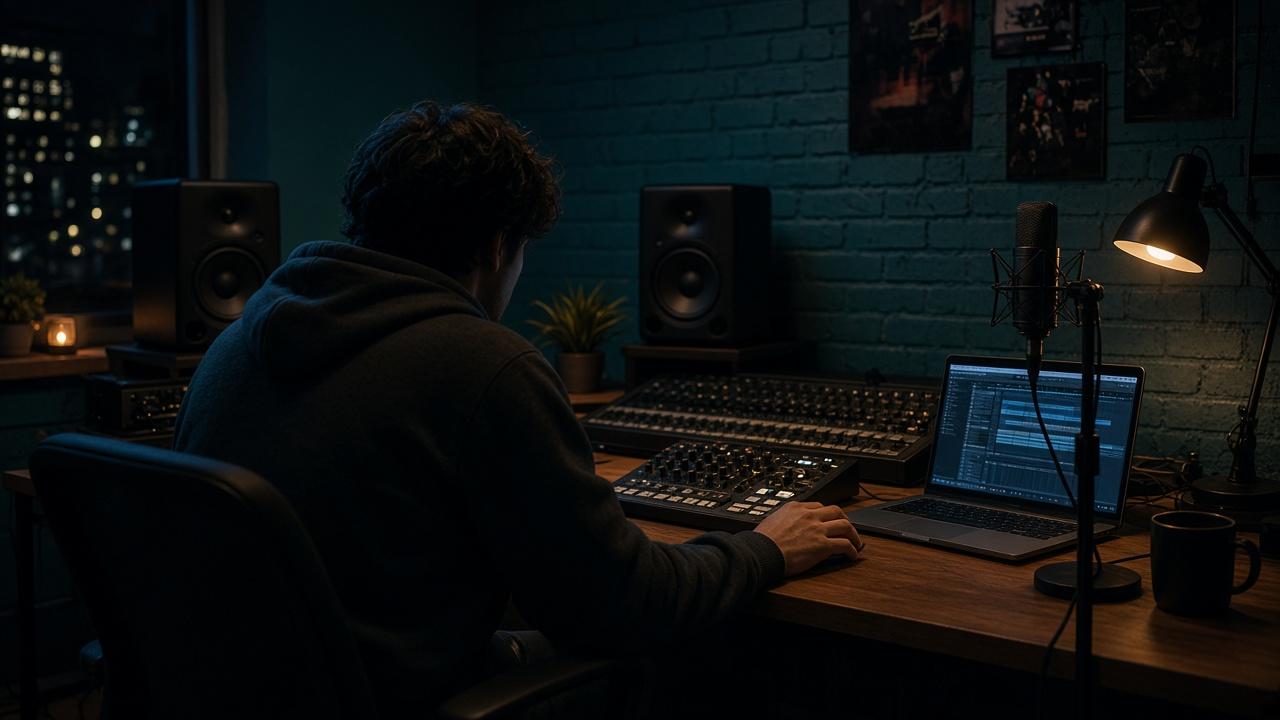
The beat knocks in the shop. Your voice in the song suddenly sounds small, nasal, or it disappears behind the 808. Rappers don’t google that out of boredom. They have the take. They have the exclusive. And the mix still sounds like a demo.
This Artist Boost is the practical answer to how to mix rap vocals over a beat – no producer degree, no ten plugins. You are mixing over a finished beat, not rebuilding the instrumental.
The short answer
A bought beat is usually already mixed. Your job is not “make everything louder.” Your job is: voice sits, beat stays big, nothing eats anything.
Three mistakes kill 90% of first songs:
- Vocal too quiet, then you smash the master → hiss and 808 mush
- Vocal too loud, the beat becomes wallpaper
- One take, no double, no air – it sounds like a voice note on a festival beat
Before you touch an EQ
- Beat as WAV, not the MP3 preview. Why: WAV and stems, or is MP3 enough?
- Record the vocal dry. Reverb in the mix, not in the take.
- Gain so the loudest syllables don’t clip. Peaks around -6 dB on the vocal track are enough.
- One reference song that is as loud and full as you want. Not twelve.
If the take is already distorted or recorded too quiet, no mix saves it. Re-record. Tracking is a different job. This piece is after.
The mix in 7 moves (over an exclusive)
1. Turn the beat down a notch – don’t brute-force the vocal up
Set the beat 3 to 6 dB under the vocal peak you need. Headphones lie. Phone speaker and car are the truth.
2. High-pass the vocal
Everything under 80–120 Hz on the voice can go – that’s beat territory (kick, 808). Otherwise the vocal turns to mud the second the bass hits.
3. One cut where the beat masks the voice
Often 200–400 Hz (mud) or 2–4 kHz (hats vs. S sounds). Less is more. If you need five cuts, the beat is too full for your voice – or you bought the wrong beat. Read: How to find a beat that fits your voice.
4. Compressor: control, not “radio vocal”
Gentle, 2:1 to 4:1, so quiet words arrive and shouts don’t explode. If it “pumps” like a trance sidechain, it’s too much.
5. Delay before reverb
A short delay (1/8 or 1/4, little feedback) makes rap wide without putting the vocal in a church. Reverb on the hook or ad-libs, not gravy on every syllable.
6. Doubles and ad-libs are the “expensive” sound
One lead. One double slightly panned, quieter. Ad-libs only on punchlines. That’s demo vs. release – not the priciest autotune preset.
7. Loud at the end – not in the middle
Balance first. Then a limiter on the mix bus, carefully. Spotify will loudness-match anyway. If you destroy it here, it sounds broken on every platform.
Autotune: tool, not a costume
Light pitch correction so it sits. Hard only if the song wants that image. If you need autotune because the take is off, record it again. Listeners hear the difference between style and rescue.
Checklist before you master
- Phone test: vocal clear, 808 still there
- Car test: voice not thin, beat not dead
- No clips on vocal or mix bus
- Hook a bit bigger than the verse – not 4 dB louder, more density (doubles)
- Credits and exclusive license in place before the song goes live
If you have stems (kick, 808, melody split), you can let the beat breathe without rebuilding it. Rebuild only if the license allows it: Can I change a bought beat?
Bottom line
Mixing rap vocals over a beat is not a secret. It is make space, then sit, then loud enough. Exclusive WAV plus a mix you can stand on a phone beats any “slammed” MP3 demo.
Need a beat that leaves room for the voice: each one here is sold once.
Was this helpful?
Rate it from 1 to 5 thumbs – it helps us make better content.
Related articles
Wie finde ich den Beat, der zu meiner Stimme passt – bevor ich 150 € falsch ausgebe?
Brauche ich WAV und Stems – oder reicht MP3 zum Release?
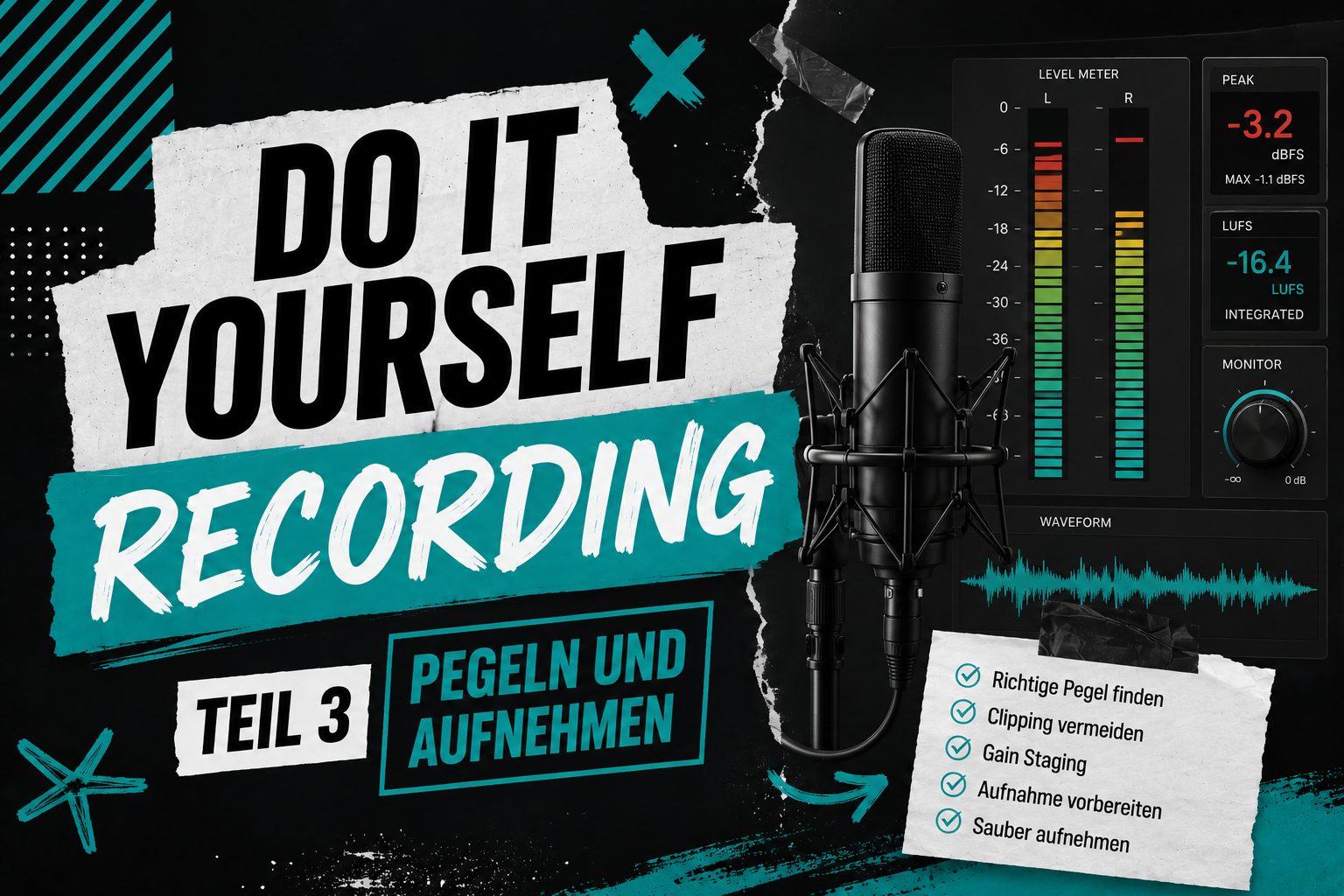
Record Yourself – Teil 3: Gain, Pegel und Latenz – So stellst du alles richtig ein